



Description
RaceFX Version 9.0
RaceFX™ is a sound effects player which will add excitement to the racing atmosphere of your Pinewood Derby®, Awana® Grand Prix, Space Derby®, Raingutter Regatta and other similar races. RaceFX is very easy to use and is highly customizable.
RaceFX is not just for use at races! It can be customized for any circumstance where easy triggering of sound effects is required. This software has been used at parties, fire safety demonstrations, a U.S. Navy Submarine museum, a TaeKwon Do exhibition, radio shows, theatrical plays, and more.
Key Features:
Sounds
- Lots of Sounds - Plays an almost unlimited number of sounds effects clips. You are only limited by the amount of screen space to display them.
- Packaged Sounds - There are over 75 different sound effects are provided free of charge with the player.
- Compatible Sound Files - Any of the sound buttons can be configured to play compatible sound files.
- Windows - AIF, AIFF, AU, MID, MP3, SND, WAV, or WMA audio files.
- macOS - AIF, AIFF, AU, M4A, MP3, SND, or WAV audio files.
- Compatible Image Files - Use a variety of image file types (BMP, GIF, ICO, JPG, PNG, WMF and others) for the sound buttons.
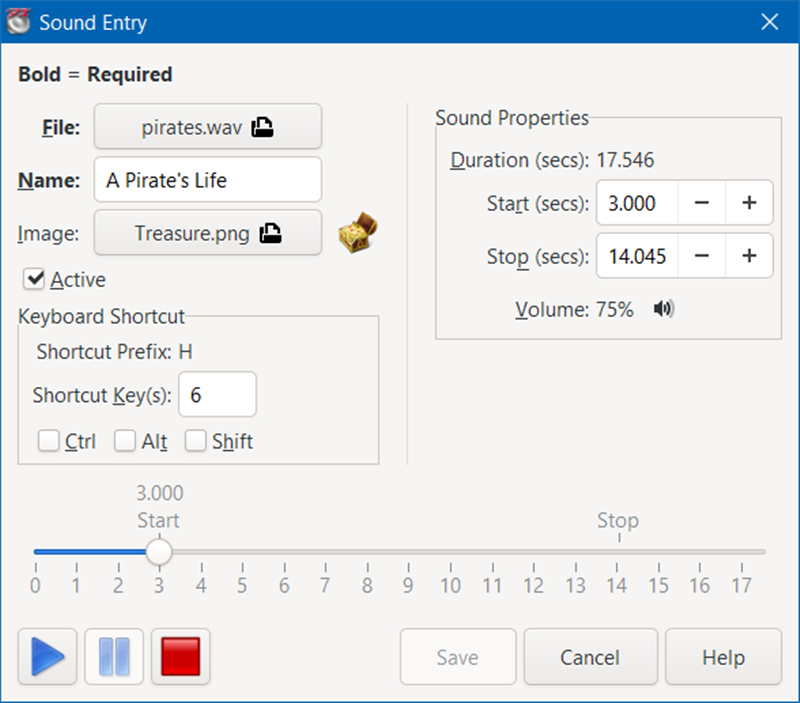
- Playing Sounds - You can play any sound effect with the click of a mouse or by using a keyboard shortcut.
- Hide Sounds - Individual sound buttons can be hidden to limit the player to just the sounds that you intend to use at the time.
- Loop Sounds - Continuously play a sound clip. Sound effect will repeat until you stop it or play another sound effect.
- Customizable Shortcut Keys - Keyboard shortcuts to trigger a sound effect are configurable (with the exception of the Dashboard screen).
Sound Categories - Sound Categories are used to organize your sounds into groups.
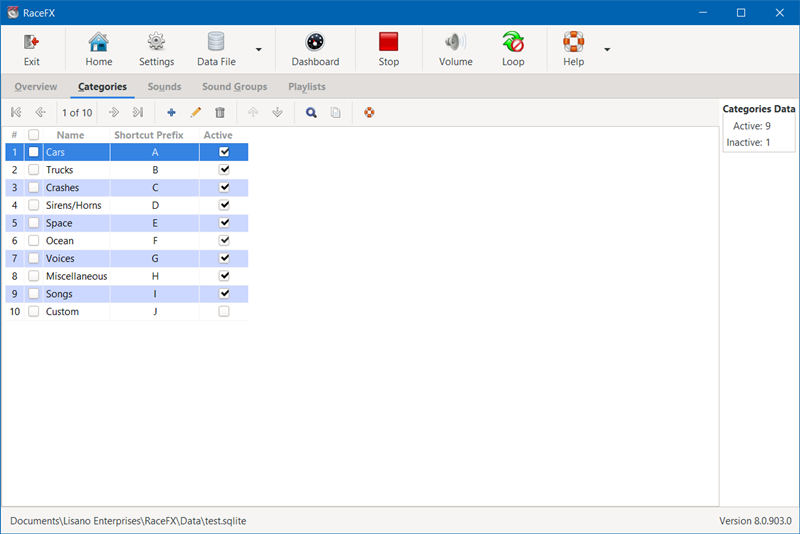
- Customizable Categories - Create any number of sound categories. Any number of sounds can be added to a sound category.
- Hide Categories - Only display the sound categories that you intend to use at the time.
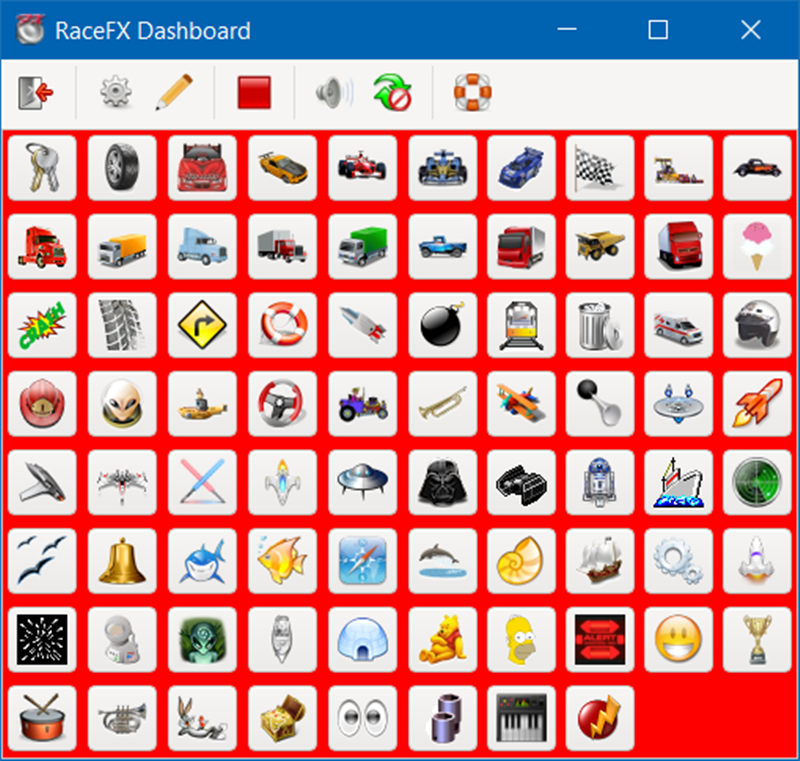
Dashboard - The Dashboard is an ultra compact display of sound buttons.
- Fully resizable to fill the desired chunk of your screen.
- Can stay on top of other programs that are currently running, like our GrandPrix Race Manager™ software.
- You can disable the Dashboard screen, if you do not need it.
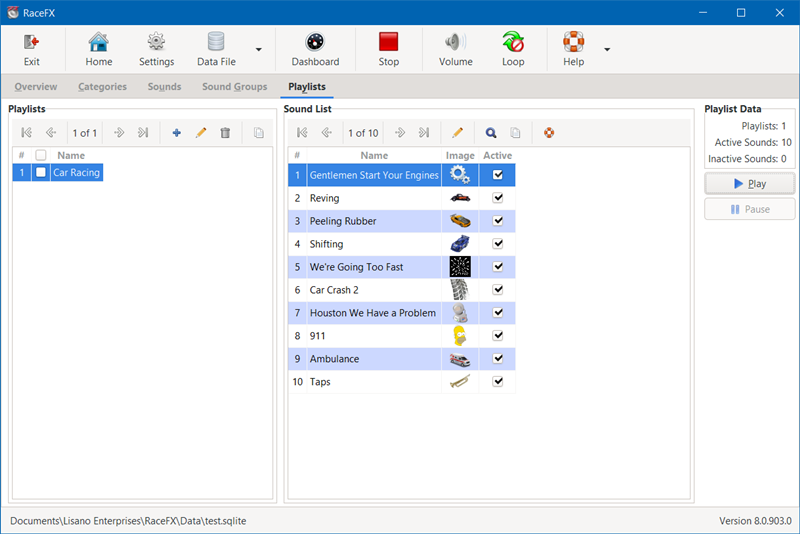
Play Lists - Tell a story with your sounds.
- Select a list of sound effects to be played in sequence.
- You can have the play list continuously repeat, if you wish.
- Create as many play lists as you wish.
- You can disable the play list feature, if you do not need it.
General
- Data Files - You can create data files to store your configuration of categories and sounds. Create multiple data files, each tailored for a different purpose (e.g. one for Pinewood Derby, one for Space Derby, and one for Raingutter Regatta).
- Remote Control - RaceFX can be used as a standalone application or in tandem with GrandPrix Race Manager (requires GrandPrix Race Manager Version 15.0 or above).
- You can set RaceFX to play a sound effect at the start and/or end of a heat and/or when you reveal awards. Those can be specific sound effects or a random ones from a specified sound category.
- RaceFX and GrandPrix Race Manager can be run on the same computer or on two different networked computers.
- Adjust Volume/Balance - You have easy access to your PC's sound and balance controls to allow for quick adjustment.
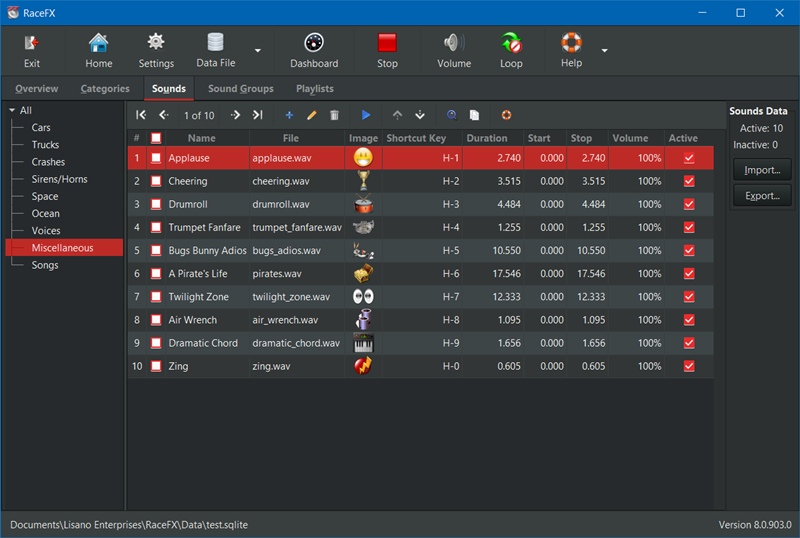
- Themes - You can configure the software to use a Light or Dark theme. The Dark theme can reduce eye strain.
A portion of the profits from this software are donated to our local Awana missionaries. Awana® is an international organization which seeks to teach girls and boys about the Gospel of Christ and to train them to serve Him through bible verse memorization, bible teaching, games, and other activities.
RaceFX is a trademark of Lisano Enterprises, LLC.
Awana is a registered trademark of Awana Clubs International.
Pinewood Derby and Space Derby are registered trademarks of the Boy Scouts of America.
Windows is a registered trademark of Microsoft Corporation.
Mac and macOS are registered trademarks of Apple Inc.
What's New
| Upgrade Policy: | Upgrade Now |
Registered users of Versions 8 and above of this software are eligible to purchase the upgrade.
Anyone purchasing an earlier version of this software within 90 days of the newest version being released can contact us for a free upgrade.
What's New with Version 9.0:
- MacOS Support
- Added support for macOS Sonoma (14.x).
- Software Settings
- Added the ability to set the size of the software’s toolbar icons (small, medium or large) for better viewing.
- Advanced Software Settings
- Improved settings import process to work with settings from an older version of the software or from an alternate settings file for that version. Also an easy way to synchronize two computers to use the same settings.
- General
- Increased the size of some icons for better viewing.
- Fixed issue where some screens would sometimes hide behind other screens.
- Added a warning if trying to use a Dropbox, OneDrive, Google Drive, etc. folder for data files, images, and reports.
- Updated the software to run on a newer version of Python.
- Updated the software to use the latest version of the user interface framework.
- All popup screens will remember their position.
- Made other improvements to match those integrated into GrandPrix Race Manager Version 23.
- Several other less notable improvements and fixes were implemented.
Screenshots
Screenshots:
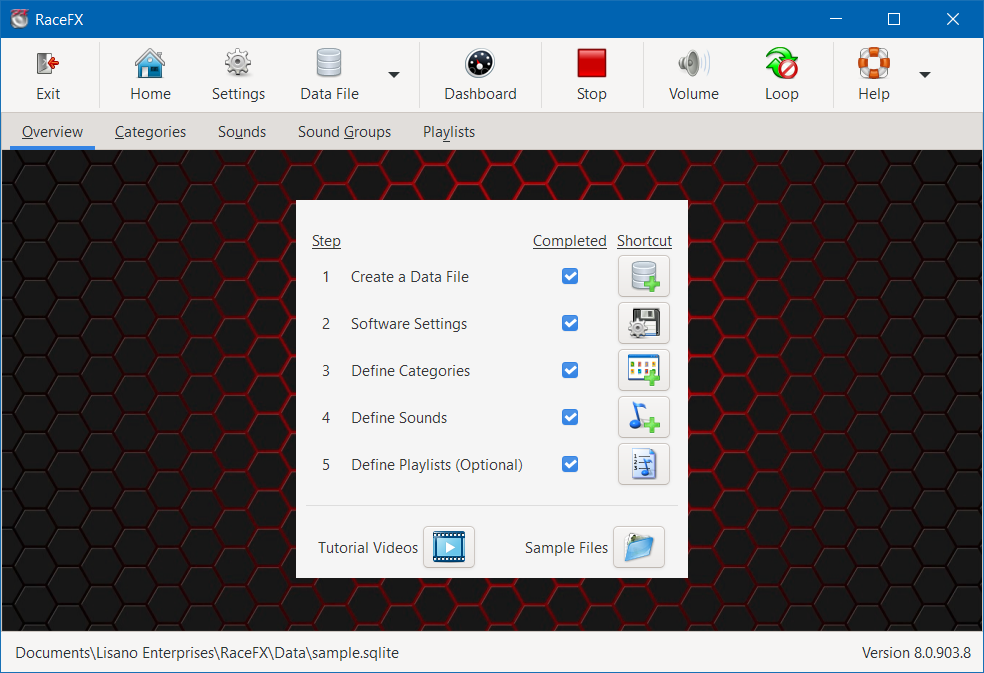
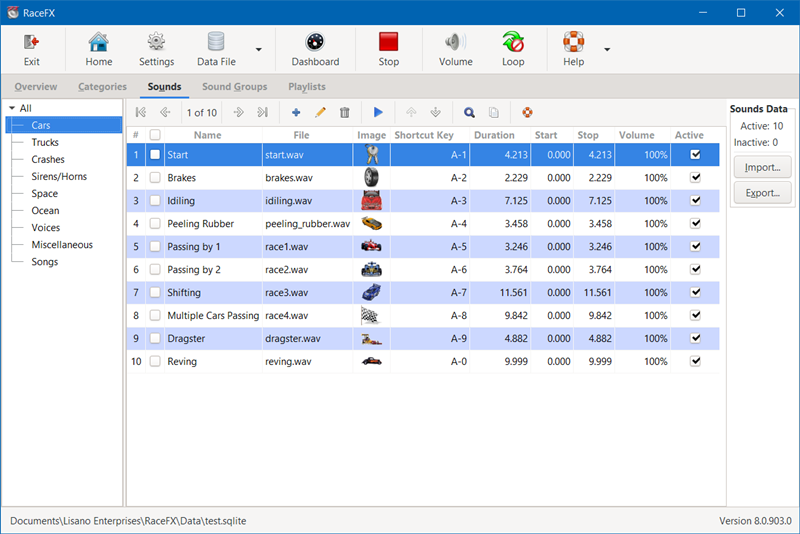
To view the RaceFX screen shots, click on the images below to enlarge.
 |
 |
 |
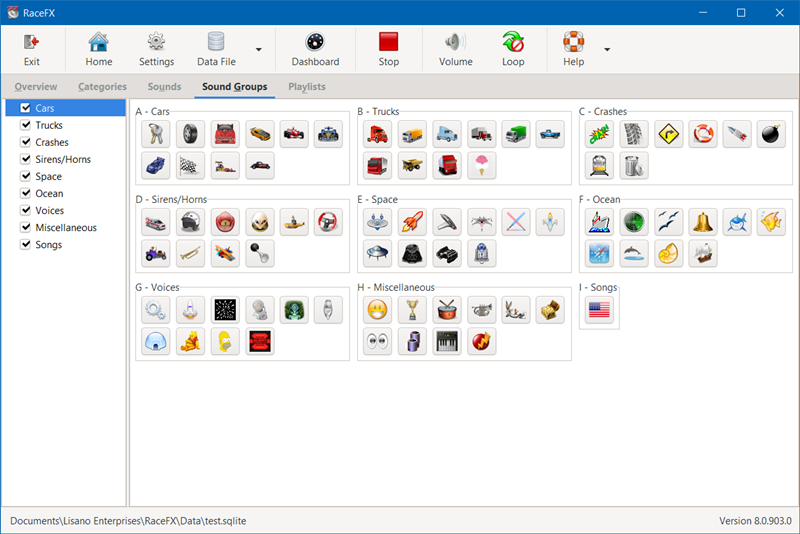 |
| Overview Tab | Categories Tab | Sounds Tab | Sound Groups Tab |
 |
 |
 |
 |
| Playlists Tab | Sound Entry | Dashboard Screen | Dark Mode |
Videos
RaceFX Instructional Videos:
Interface to GrandPrix Race Manager - How to interface RaceFX and GrandPrix Race Manager to automatically play sound effects during the race.
Requirements
Minimum Software Requirements:
- 32 or 64 Bit Microsoft Windows (8/8.1, 10, or 11) or macOS Big Sur 11.x to Sonoma 14.x
- 2.0 GHz or better CPU
- Web Browser to view the Help files (Internet connection is not required)
- 200 MB of hard drive space
- 4 GB of RAM
- 1080x720 screen resolution
Download
RaceFX Downloads:
The software can be downloaded from our Downloads page.